
ClipForge AI / User GuideSheet 08 of 14 / Batch
Batch
CreatorQueue several videos at once from direct file links. Each becomes a project with its own clips.
BatchStation 08 of 143 tasks6 steps1 task not built yet
Tasks
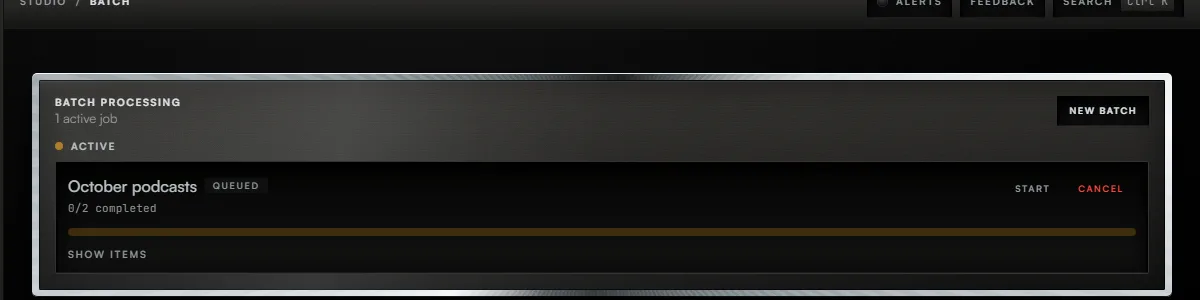
Task 01 / Batch
Create a batch
Procedure / 3 steps
- Callout 1. Press New Batch.
- Give the batch a name.
- Paste one direct link to an MP4, MOV or WebM file on each line, then press Create Batch.
Task 02 / Batch
Run a batch
Procedure / 3 steps
- Callout 2. A new batch waits in the list. Press Start to begin it.
- While it runs, Pause holds it and Cancel stops it. Show items lists each video and how many clips it gave.
- When a batch finishes with failures, Retry Failed runs only the videos that failed.
Task 03 / Batch
Import from a YouTube or Vimeo page
Status
Not built yetA batch takes direct links to video files. A YouTube or Vimeo page link is refused.
01 of 03
Fig. 8 / Batch console